
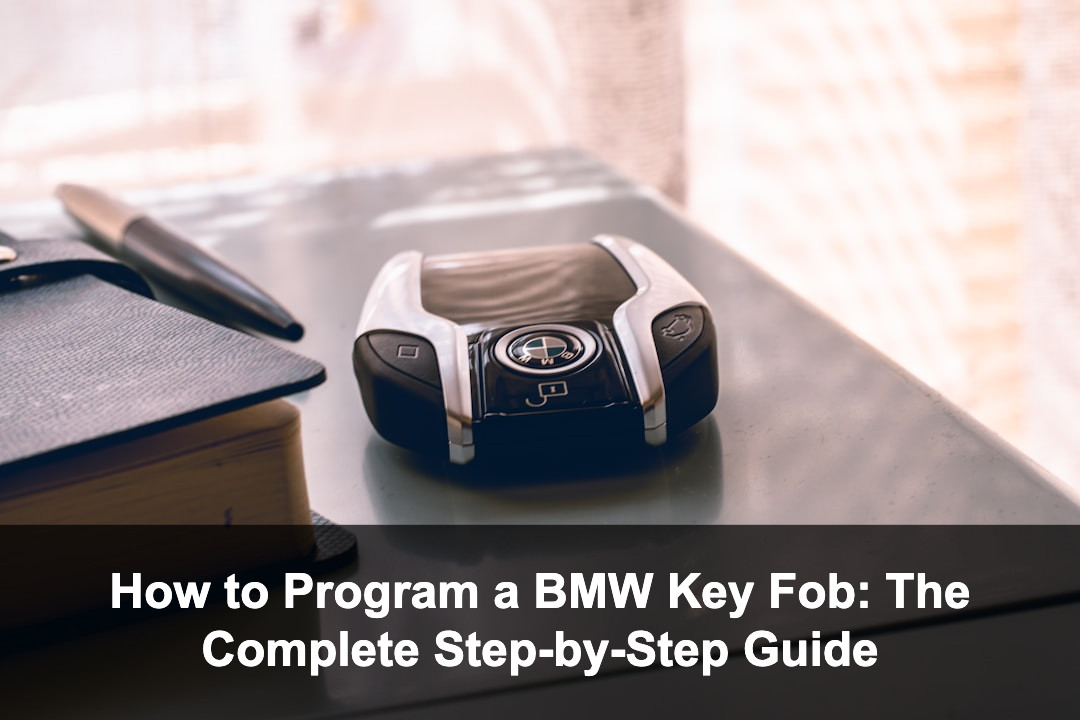
BMW key fobs are essential for secure, convenient vehicle access and operation, integrating advanced features like remote locking, unlocking, trunk release, and even engine start on select models. As technology advances, programming a BMW key fob may seem intimidating, but with the right information, many BMW owners can program or reprogram their key fobs at home. Quick Answer: To program a BMW key fob, get inside your vehicle, turn the ignition to position 1, return it to off, then press and hold the unlock button while pressing the lock button three times in quick succession. Release both buttons and your key fob should be synchronized. This guide will walk you through the entire process, from understanding which BMW models allow home programming, to step-by-step instructions, what tools you need, troubleshooting common issues, and tips to avoid costly mistakes. By the end, you’ll be able to confidently program your BMW key fob, whether you’re adding a new remote or synchronizing a replacement.
Key BMW Key Fob Facts
Understanding BMW Key Fobs: Types and Compatibility
BMW key fobs have evolved over the decades. Early BMWs used basic remote keys, while more recent models feature advanced ‘diamond’ and ‘smart’ keys with integrated proximity and even digital display functions. Not all BMW key fobs can be programmed at home—compatibility depends on your vehicle’s model year and key type. BMW key fobs generally fall into three categories: old-style remote keys (mid-1990s to early 2000s), ‘diamond’ key fobs (early 2000s to mid-2010s), and Comfort Access smart keys (mid-2000s onward). DIY programming is usually possible for remote and some diamond keys, but later smart keys typically require dealer or specialist equipment. Before starting, identify your key and check your owner’s manual or online forums to confirm if DIY programming is possible for your BMW. If your vehicle is equipped with Comfort Access (keyless entry and start), chances are you’ll need professional assistance. For models with standard remote locking, home programming is often feasible. If you’re unsure, consult a BMW dealership or a reputable automotive locksmith. Attempting programming on incompatible models may not damage the car, but it could waste time and effort.
BMW Key Fob Types and Programming Compatibility
| Key Fob Type | Model Years | DIY Programming Possible? |
|---|---|---|
| Remote Key (Rectangular) | 1995–2004 | Yes |
| Diamond Key | 2000–2013 | Yes (most) |
| Comfort Access / Smart Key | 2005–present | No (dealer required) |
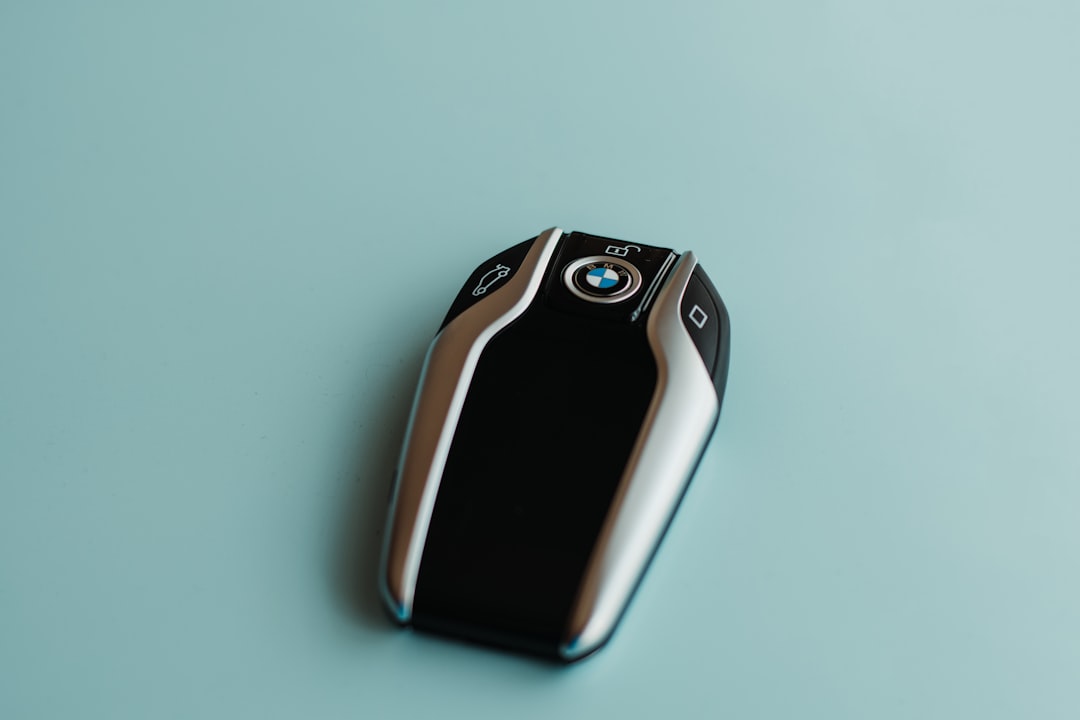
| Display Key | 2016–present | No (dealer required) |
BMW Key Fob Compatibility Checklist
- Identify your BMW model year and key type
- Check the owner’s manual for programming instructions
- Verify if the fob is original or aftermarket (some aftermarket fobs may not program)
- Ensure at least one working key is available (for some procedures)
Tools and Preparation: What You Need Before Programming
Proper preparation is essential for successful BMW key fob programming. Gather all necessary equipment and review safety measures to ensure a smooth process. Most BMWs that support home programming do not require special tools, but there are a few prerequisites. You’ll need: your existing working key fob(s), the new or replacement key fob to be programmed, and access to your vehicle with all doors closed. Make sure the car battery and key fob battery are fully charged to avoid interruptions. Some newer models may require all fobs to be present during programming, so gather any spares. It’s helpful to have a timer or clock, as timing is crucial in the steps. For added peace of mind, consider having your owner’s manual and a notepad to jot down steps. Ensure you’re in a quiet, distraction-free location—programming sequences may fail if steps are rushed or interrupted. If your key fob is aftermarket, double-check its compatibility. Some cheaper aftermarket remotes lack the proper chip or frequency for BMW systems. Consider wearing gloves to avoid static discharge, and keep your vehicle’s electronic systems off during the procedure.
BMW Key Fob Programming Preparation Checklist
| Item | Purpose | Notes |
|---|---|---|
| Working key fob | Unlocks and starts car | Required for synchronization |
| New or replacement fob | To be programmed | Ensure correct frequency and chip |
| Vehicle access | Programming occurs in car | Doors closed, ignition off |
| Manual/timer | Reference and timing | Owner’s manual helpful |
| Spare keys (if any) | Multi-key programming | Some models require all fobs |
Pre-Programming Preparation Steps
- Charge car and key fob batteries
- Gather all key fobs and ensure compatibility
- Close all doors and windows in a safe environment
- Have the owner’s manual handy for reference
Step-by-Step Instructions: Programming Your BMW Key Fob
Programming a BMW key fob varies slightly depending on key type and model year, but most follow a similar core process. Below is a detailed walkthrough for the most common BMW remote and diamond key fobs (roughly 1995–2013). For Comfort Access or newer smart keys, dealer programming is almost always required. Step 1: Enter the vehicle and close all doors and windows. Sit in the driver’s seat with all key fobs (old and new) you wish to program. Step 2: Insert the working key into the ignition and turn it to position 1 (the first click, where dashboard lights come on but engine does not start). Quickly turn it back to OFF and remove the key. This primes the system for programming. Step 3: On the key fob you wish to program, press and hold the unlock button. While holding unlock, press the lock button three times in quick succession. Release both buttons. If successful, the car will lock and unlock (cycle) to confirm programming. Step 4: For additional fobs, repeat step 3 within 30 seconds using each key in turn (no need to repeat steps 1 or 2 for each additional key). Step 5: Test each key fob by locking and unlocking the doors from outside the vehicle to ensure successful programming. If you miss a step or the car does not respond, restart the process from the beginning. Timing is crucial; perform each action smoothly but promptly. For diamond keys, some models require holding the unlock button and pressing lock three times within 10 seconds. If your BMW does not respond, you may have a model that requires dealer programming or your key fob may be incompatible. Consult your owner’s manual for model-specific instructions or troubleshooting.
BMW Key Fob Programming Steps
- Enter vehicle and ensure all doors are closed
- Insert working key, turn to position 1, then off and remove
- Hold unlock, press lock three times, release both
- Repeat for additional fobs within 30 seconds
- Test all key fobs for proper operation
Tips, Troubleshooting, and Common Mistakes
Programming BMW key fobs is usually straightforward, but several factors can cause the process to fail. Being aware of common pitfalls and troubleshooting steps can save time and frustration. Common mistakes include attempting to program incompatible key fobs (such as smart keys that require dealer tools), failing to complete steps within the required time, or using a fob with a weak or dead battery. Always ensure your key fob and vehicle batteries are fully charged before starting. If the programming sequence does not work, try again—timing is essential, and even a slight delay can cause the procedure to fail. If your car does not respond with lock/unlock cycles, check that all doors are properly closed, try repositioning yourself in the vehicle, or reset by disconnecting the car battery for a few minutes (as a last resort). If programming multiple keys, remember that all fobs must be synchronized in the same session. Beware of aftermarket fobs with incorrect chips or frequencies; these may never program successfully. If all else fails, consult a BMW dealer or qualified locksmith with the proper diagnostic equipment.
BMW Key Fob Programming: Tips and Warnings
✅ Pros
- DIY programming can save significant money compared to dealerships
- Most models allow several fobs to be programmed in one session
- Quick process when done correctly
❌ Cons
- Not all BMWs or key types support home programming
- Aftermarket keys may be incompatible
- Incorrect timing or missed steps can force a full restart
When to Seek Professional Help: Dealer vs Locksmith vs DIY
While many BMW key fobs from the 1990s and 2000s are user-programmable, newer models with Comfort Access or Display Keys require specialized equipment. If you have a model built after 2014, or a key with a built-in display or proximity sensor, your only safe options are the dealership or a certified locksmith with BMW-compatible programming tools. Dealerships are the most reliable but also the most expensive, charging anywhere from $150 to $400 for key fob programming. Automotive locksmiths often provide a more affordable alternative, especially if they have the latest programming equipment. DIY programming is only possible for select models and key types—attempting it on the wrong model wastes time and may even lock out keyless entry features. Situations where professional help is required include: all key fobs lost (no working key to prime the system), incompatible key types, failed DIY attempts after multiple tries, and any key fob with Comfort Access or display functions. Always confirm your model’s requirements before purchasing replacement keys online.
BMW Key Fob Programming Options Comparison
| Option | Typical Cost | Supported Key Types |
|---|---|---|
| DIY | $0–$50 (key only) | Remote & diamond keys (pre-2013) |
| Locksmith | $80–$250 | Remote, diamond, some Comfort Access |
| Dealership | $150–$400 | All key types, including smart/display |
Maintaining and Replacing Your BMW Key Fob
Proper maintenance can extend the life and reliability of your BMW key fob. Regularly replace the battery (usually a CR2032 or similar coin cell for most models) every 1-2 years, or sooner if the range decreases or response becomes intermittent. Clean the fob with a soft cloth and avoid exposing it to excessive moisture or heat. If you lose a key fob, have it replaced and programmed as soon as possible for security. BMWs can be programmed to delete lost or stolen keys, preventing unauthorized access. For high-end models, consider getting a spare key programmed and stored safely. When purchasing a replacement key fob, always verify compatibility with your BMW’s year, model, and region. Some online sellers offer used or refurbished fobs, but these may not always be programmable. Stick with reputable suppliers or your local dealer when possible. For diamond keys and newer fobs, battery replacement may require opening the shell or, in some cases, soldering. If you’re uncomfortable with this, seek professional service to avoid damaging the fob.
Frequently Asked Questions
Can I program a BMW key fob myself at home?
Yes, many BMW models built before approximately 2013 allow owners to program key fobs at home using a simple ignition and button sequence. Newer models with Comfort Access or smart/display keys typically require dealer or locksmith equipment.
What should I do if my BMW key fob won’t program?
Ensure your key fob is compatible and has a fresh battery, follow all steps exactly, and check that all doors are closed. If still unsuccessful, your vehicle may require dealer programming, or the key may be faulty or incompatible.
How much does it cost to have a BMW key fob programmed by a dealer?
Dealer programming typically costs between $150 and $400, depending on the key type and your location.
How many BMW key fobs can I program to my car?
Most BMWs allow programming up to 10 keys, but only 4 can have remote/keyless features enabled at the same time. All fobs must be synchronized in the same programming session.
Will aftermarket BMW key fobs work?
Some aftermarket fobs are compatible, but many lack the correct chip or frequency and cannot be programmed. Always verify compatibility before purchase.
Conclusion
Programming your BMW key fob is a practical skill that can save you time and money, provided your vehicle and key type support DIY synchronization. By understanding your BMW’s compatibility, assembling the right tools, and following the step-by-step instructions outlined above, you can quickly pair new or replacement fobs with your car. Always pay close attention to timing and sequence, and refer to your owner’s manual for model-specific details. If you encounter persistent issues or have a newer BMW model, don’t hesitate to consult a dealership or automotive locksmith—they have the specialized tools required for modern smart keys. Regular maintenance, such as timely battery replacement, will keep your BMW key fob functioning reliably for years to come. Whether you’re programming a new fob or troubleshooting your current one, a little preparation goes a long way toward ensuring secure, convenient vehicle access.